
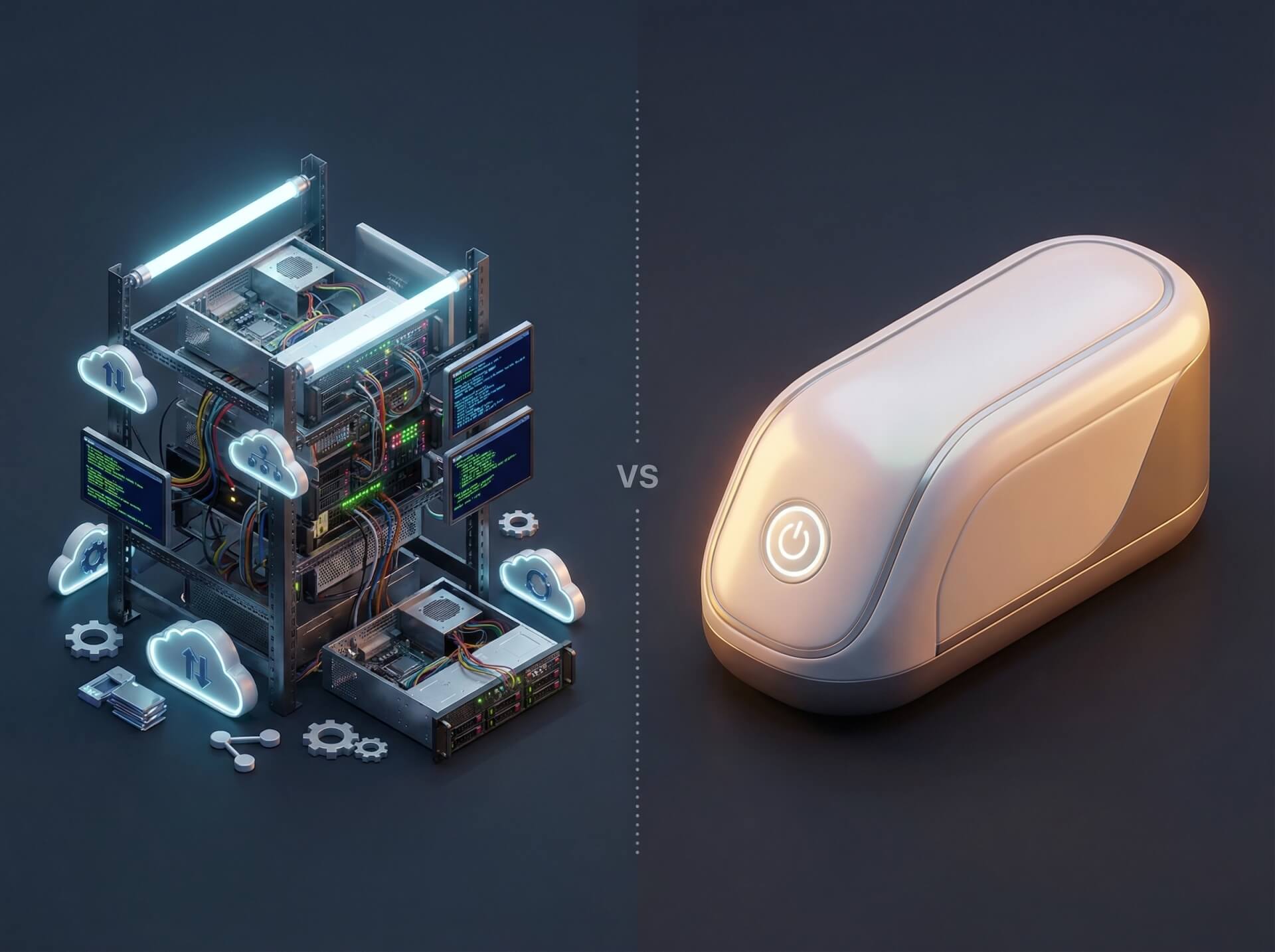
AWS Enters the OpenClaw Hosting Game
Amazon's decision to ship an OpenClaw blueprint on Lightsail is a signal worth paying attention to. When AWS builds a dedicated deployment path for an open-source AI assistant, it confirms what the community already knew: enterprise demand for self-hosted OpenClaw is real and growing.
But a blueprint is not a product. It gives you a faster starting point — not a finished solution. The question remains the same one every infrastructure decision comes down to: do you want to manage the stack, or do you want to use the software?
Setup: Minutes vs. Hours
The gap is immediate and tangible.
Lightsail requires hands-on configuration. You launch an instance, SSH into the box, pair your browser manually, activate the Bedrock API through a CloudShell script, and wire up each messaging channel individually. If you have done this kind of work before, it is straightforward. If you have not, every step is a potential stumbling point — IAM roles, security groups, port configurations, API key provisioning.
MyClaw compresses the entire process into account creation and plan selection. No SSH. No IAM roles. No scripts. The platform provisions and configures everything behind the scenes, and the agent is live in minutes.
The difference is not intelligence — it is time and attention. Lightsail assumes you have both to spare.
Pricing: Sticker Price vs. Total Cost
On paper, the numbers look competitive:
| Lightsail | MyClaw | |
|---|---|---|
| Base cost | $12–24/month (instance) | From $19/month |
| API tokens | Separate (AWS Bedrock billing) | Included in plan |
| Backups | Optional paid snapshots | Daily automated, included |
| SSL/Domain | Manual setup | Included |
But sticker price is not total cost. With Lightsail, Bedrock API token charges are billed separately and scale with usage — a variable that is difficult to predict in advance. You also absorb the cost of your own time: configuring, patching, monitoring, and troubleshooting. For a solo developer comfortable with AWS, this overhead may be acceptable. For a team that wants to deploy and move on, it adds up fast.
Maintenance: Your Responsibility vs. Their Responsibility
This is where the two paths diverge most sharply.
With Lightsail, you own the full operational lifecycle:
- OpenClaw updates — you monitor for new releases, test compatibility, and apply them manually.
- Security patches — OS-level and dependency-level patches are your responsibility. Miss one, and the instance is exposed.
- Backups — unless you configure and pay for Lightsail snapshots, there is no safety net.
- Scaling — if your usage grows, you resize the instance and re-validate the configuration yourself.
With MyClaw, all of the above is handled automatically:
- Zero-downtime updates ship without user intervention.
- Security patches are applied at the platform level.
- Daily backups run automatically and are included in every plan.
- Scaling is managed transparently as demand changes.
The trade-off is control for convenience. Lightsail gives you root access and full customization. MyClaw gives you predictability and free weekends.
Feature Depth
| Feature | Lightsail | MyClaw |
|---|---|---|
| Model support | AWS Bedrock ecosystem only | Any provider (OpenAI, Anthropic, open-source, etc.) |
| Updates | Manual | Automatic, zero-downtime |
| Backups | Optional / paid | Daily, included |
| Multi-device access | Browser pairing per device | Web + messaging apps natively |
| Monitoring | CloudWatch (separate config) | Built-in dashboards |
| Region control | Full (any AWS region) | Platform-managed |
The most consequential difference here is model flexibility. Lightsail locks you into the Bedrock ecosystem — a strong lineup, but a closed one. MyClaw supports any model provider, which matters if your workflow depends on specific models or if you want the freedom to switch providers as the landscape evolves.
Decision Framework
Choose Lightsail if:
- You need full infrastructure control and root-level access.
- You have AWS credits or an existing AWS commitment to leverage.
- Your team has DevOps capacity to handle ongoing maintenance.
- Regulatory or compliance requirements mandate specific region placement.
Choose MyClaw if:
- You want to deploy immediately and skip the infrastructure work.
- You prefer zero server maintenance and automatic updates.
- You need model provider flexibility beyond the AWS ecosystem.
- Your team lacks dedicated DevOps resources — or would rather spend them elsewhere.
The Real Question
AWS shipping an OpenClaw blueprint validates the market. It does not change the underlying decision every team faces: do you want to spend your time managing infrastructure, or using the AI that runs on it?
Both answers are legitimate. Just make sure you are choosing deliberately — not defaulting into operational overhead because the setup wizard made the first ten minutes feel easy.